AI for CRM Hygiene: Keep Notes, Tasks, and Pipeline Clean
Use AI browser agents to clean CRM records, summarize threads, create tasks, update notes, find duplicates, and keep pipeline context usable.
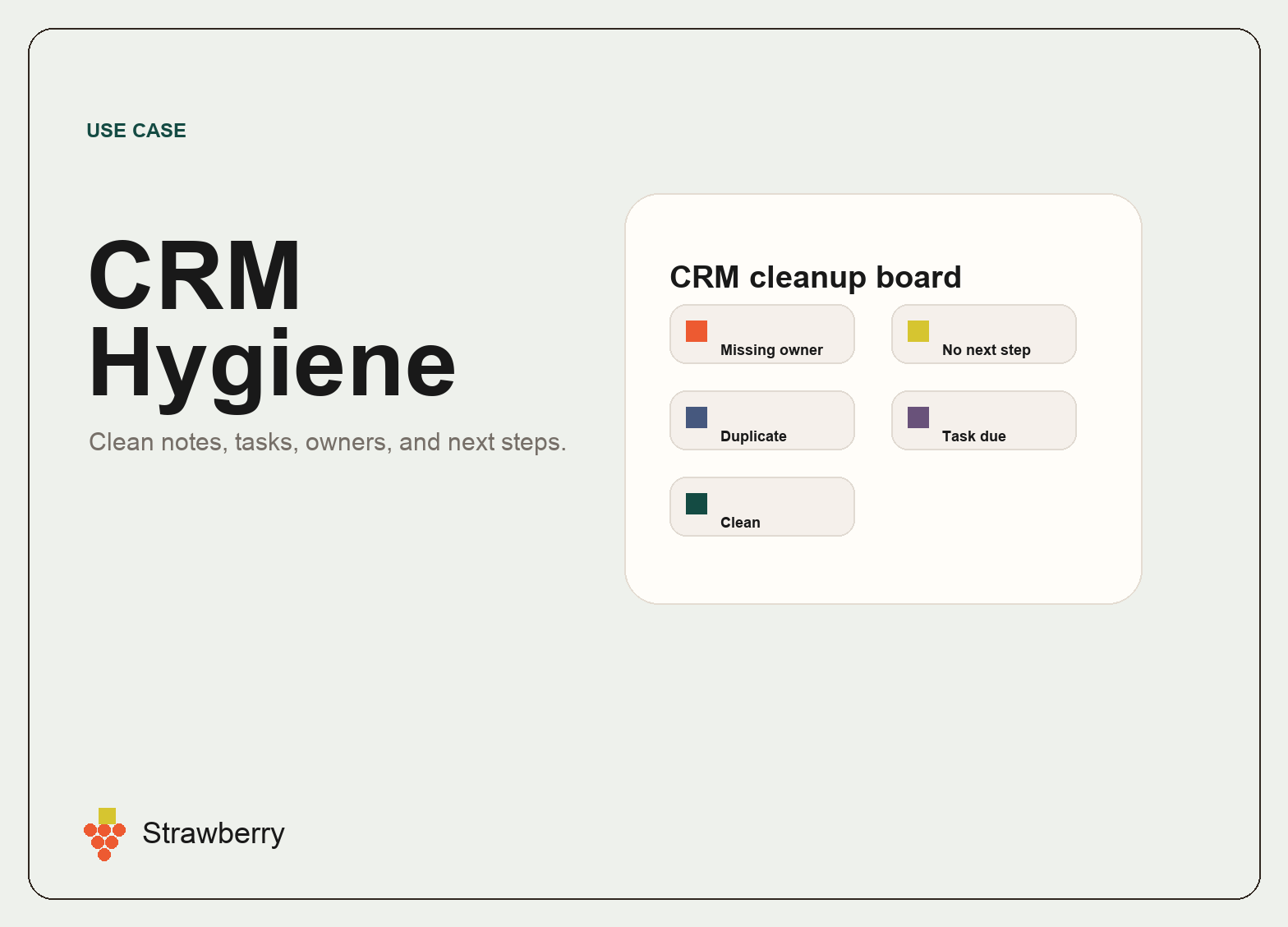
AI for CRM Hygiene: Keep Notes, Tasks, and Pipeline Clean
AI for CRM hygiene is about keeping customer and pipeline context usable. Most teams do not fail because they lack a CRM. They fail because the CRM becomes stale, incomplete, duplicated, or disconnected from the actual conversations happening in email, calendar, calls, and Slack.
A useful CRM agent should help summarize context, update records, create tasks, find duplicates, flag missing fields, and keep next steps visible.
Strawberry is a strong fit because CRM hygiene is not only a CRM problem. It is a browser and app-context problem. The facts are often spread across inboxes, calendars, spreadsheets, notes, websites, and CRM records.
Where AI helps CRM teams
A CRM hygiene companion can help with:
- Summarizing email threads into CRM notes.
- Creating follow-up tasks after meetings or replies.
- Finding records with missing owners, stages, domains, or next steps.
- Detecting likely duplicate companies or people.
- Updating opportunity stages after replies or meetings.
- Linking notes to the right person, company, or opportunity.
- Preparing daily call lists from overdue tasks.
- Creating pipeline summaries for the team.
The key is that the agent should leave the CRM more useful than it found it.
Example workflow: reply to CRM update
A prospect replies positively to an outreach email. A companion can summarize the thread, update the person record, create or update the opportunity, add a task, and prepare a draft response or meeting invite.
This keeps pipeline context current without forcing the operator to manually copy the same information into multiple places.
Example workflow: overdue task cleanup
A companion can scan open CRM tasks, group them by priority, identify tasks with phone numbers, flag stale opportunities, and produce a call list. The output can be a table or a daily briefing.
Why browser-native matters
CRM data is only part of the truth. The rest lives in emails, calendars, websites, docs, and internal notes. A browser-native agent can combine those sources and use CRM integrations when available.
This is different from a simple CRM automation. A normal automation can move fields around. A browser agent can inspect messy context and decide what should be updated.
What to automate first
Start with one CRM cleanup loop:
- New positive replies.
- Meeting completed but no note.
- Overdue follow-up tasks.
- Missing company domains.
- Duplicate people or companies.
- Opportunities without next step.
- Weekly pipeline summary.
Each workflow should have clear approval rules for what the agent can update directly and what should be reviewed.
How Strawberry fits
Strawberry companions can use Gmail, Calendar, Sheets, CRMs, browser tabs, files, and memory. That makes them useful for keeping CRM records connected to the real work happening around them.
For related workflows, read AI for Sales, Browser Agents for Sales Teams, AI for Operations, and AI Agents for Work.
Bottom line
AI for CRM hygiene is not glamorous, but it is valuable. Clean CRM context makes follow-up faster, pipeline reviews better, and sales teams more consistent. Strawberry helps by connecting CRM cleanup to the browser and apps where the context actually lives.
CRM hygiene workflow template
A good CRM hygiene workflow starts by defining the records and fields that matter. For a sales team, that might be owner, stage, next step, last touch, company domain, contact email, meeting date, source, and opportunity value.
A companion can then scan for records that violate those rules and prepare fixes. Some updates can be safe and direct, like adding a summary note from a thread. Others should be proposed for review, like merging duplicates or changing opportunity stage.
Why this compounds
Clean CRM data improves every downstream workflow: forecasting, follow-up, meeting prep, customer success handoff, investor updates, and campaign targeting. The value is not one clean record. The value is a pipeline that stays usable.