AI for Customer Support: Triage, Verify, and Reply Faster
Use AI browser agents to triage support tickets, verify product facts, draft replies, log feedback, and turn support into product insight.
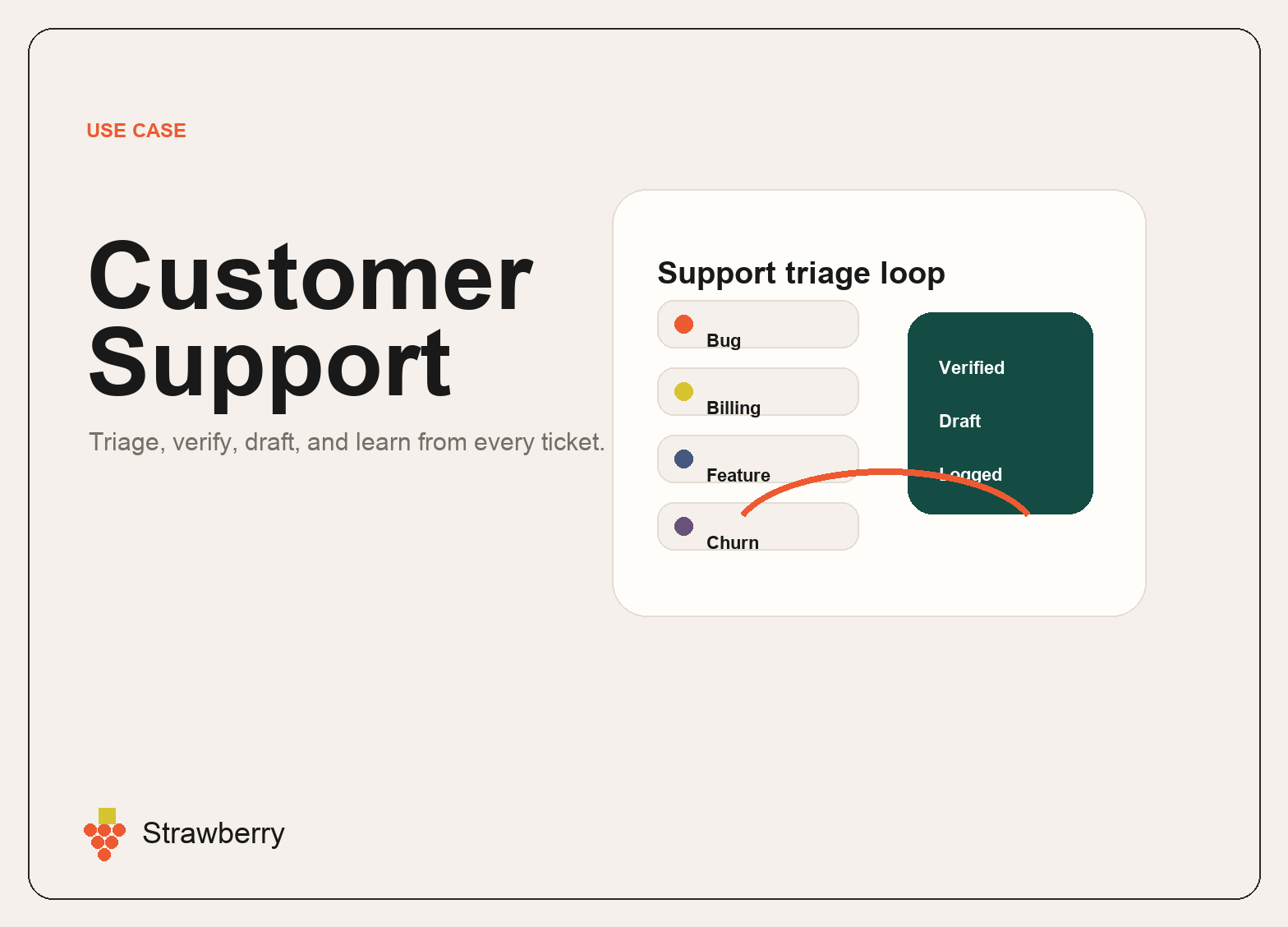
AI for Customer Support: Triage, Verify, and Reply Faster
AI for customer support is most useful when it does more than draft polite replies. The real leverage is connecting the whole support loop: reading the full thread, understanding the customer, verifying product facts, checking known bugs, drafting the response, logging feedback, and escalating the right issues to the team.
Support work is a perfect fit for browser agents because the context is scattered. A single support answer may require the inbox, product docs, pricing page, GitHub issues, Linear tickets, billing state, CRM notes, user history, and internal policies. A standalone chatbot can help write a message, but it cannot reliably gather and verify all of that context by itself.
Strawberry is built for this kind of support workflow because companions can use the browser, connected apps, files, memory, and routines.
Where AI helps support teams
A useful support companion can help with:
- Reading the full thread before responding.
- Checking whether a teammate already replied.
- Classifying the request as bug, billing, product question, churn risk, feature request, or low-signal feedback.
- Verifying product facts against source-of-truth pages, code, GitHub, Linear, or internal docs.
- Drafting concise replies in the company voice.
- Logging product feedback and churn signals.
- Preparing refund, cancellation, or credit-grant proposals when policy allows it.
- Escalating security reports or sensitive issues to the right person.
- Creating daily or weekly support summaries.
The goal is not to automate empathy away. The goal is to give the support operator better context and remove repetitive admin.
Example workflow: bug report triage
A customer reports that a feature disappeared after an update. A support companion can read the full thread, search GitHub and Linear for matching issues, inspect the product page or source files if needed, determine whether the claim is verified, draft a short response, and log the bug signal.
If the claim is verified, the reply can be confident. If the claim is uncertain, the companion can save a draft flagged for product verification. That is the difference between helpful automation and risky guessing.
Example workflow: churn-risk support
A customer asks to cancel because something failed. A companion can check plan status, usage context, known bugs, prior support history, and policy before proposing the right action. It can draft a reply, prepare the support-console action, and log the churn signal for product and GTM teams.
Why browser-native matters
Support teams often work in tools that do not connect cleanly. Some context is in the support inbox. Some is in product code. Some is in billing. Some is in docs. Some is in Slack or Linear. A browser-native agent can move across those surfaces and produce a verified answer.
What to automate first
Start with workflows where the support team can review quality quickly:
- Daily urgent ticket scan.
- Bug verification checklist.
- Billing and cancellation preparation.
- Product feedback logging.
- Support summary and escalation report.
- Draft replies for common verified issues.
Avoid auto-sending sensitive replies until the policy and verification steps are proven.
How Strawberry fits
Strawberry companions can remember support protocols, use connected apps, browse source-of-truth pages, create drafts, log insights, and run scheduled scans. That lets support become a feedback engine for the company, not just an inbox.
For related workflows, read AI for Operations, AI Agents for Work, Browser Agents vs Chatbots, and Best AI Browsers for Work.
Bottom line
AI for customer support should improve accuracy, speed, and learning. Strawberry helps by putting the agent inside the browser and connected tools where support context actually lives.
Support workflows that compound
The highest-leverage support workflows are the ones that turn customer conversations into company learning. A support companion can do more than help answer one ticket. It can also detect repeated pain, log feature requests, identify churn signals, and connect issues back to product work.
Examples:
- A bug report can become a verified engineering escalation with source links.
- A cancellation request can become a churn insight and a billing action.
- A confusing feature question can become a documentation improvement.
- A testimonial can become a sales proof point.
- A recurring complaint can become a product roadmap signal.
What good support automation looks like
Good support automation should be conservative. It should read the full thread, check whether a teammate already replied, verify facts, and only send directly when policy allows. For uncertain product behavior, the companion should create a draft and mark what needs verification.
That is how teams avoid the common failure mode of AI support: fast but wrong answers. Strawberry is useful because it can combine speed with source-checking and durable operating protocols.