Strawberry vs Browser Use for Personalized Outreach
Strawberry and Browser Use for personalized outreach: where each wins, what the output actually looks like, paste-ready prompts, and pricing in context.
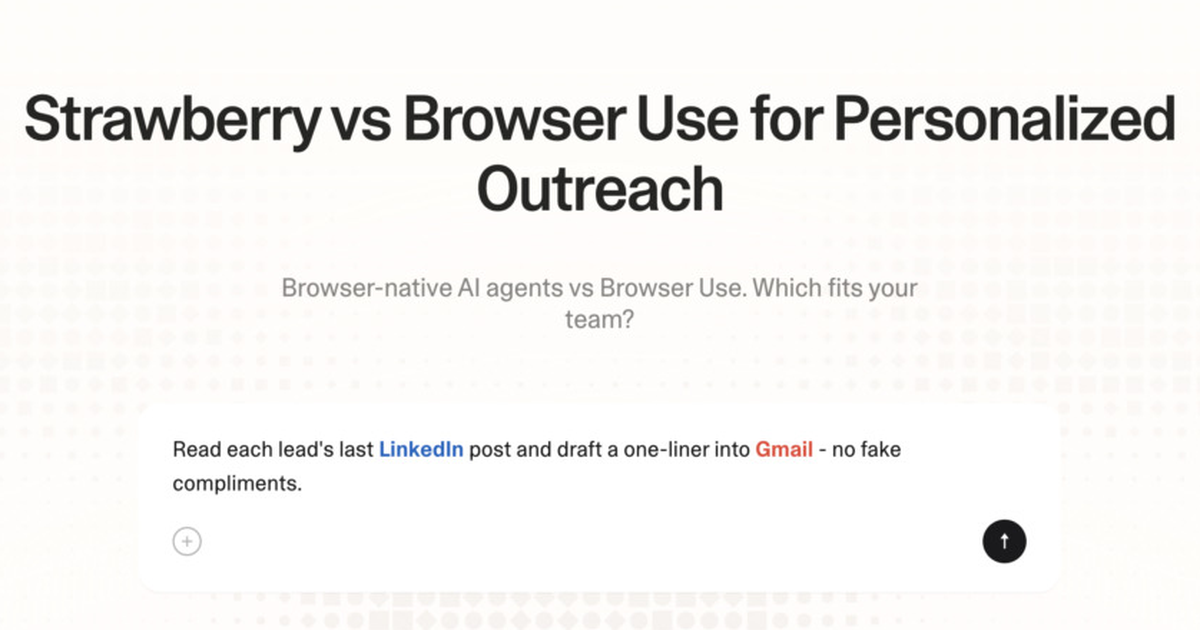
Browser Use and Strawberry both show up when teams shop for help with personalized outreach. They do not solve the same problem. Browser Use is an Open-source browser agent; Strawberry is an AI browser that lives in your real browser tabs and connected apps. This page is the head-to-head on personalized outreach specifically - where each one wins, what the output actually looks like, and the price you pay either way.
The short answer
For personalized outreach, pick Strawberry when the work needs to read logged-in pages and act across multiple apps in your real browser. Pick Browser Use when you are an engineer building a custom internal agent and want full code control. If your workflow looks like "open three tabs, judge what matters, write something back into a CRM", Strawberry will close it faster. If it looks like "answer this clean question", Browser Use is the cheaper tool.
What personalized outreach actually requires
The job is to produce a short, specific message that references a real signal and asks one question. Success is measured as: reply rate above 8%, positive sentiment above 50%, meeting-booked rate above 20% of replies. To do it well, the workflow needs these signals: concrete recent event (funding, hire, product, talk, post); personal angle: shared connection, mutual school, common topic; company pain that maps to the seller's product; preferred channel (email, LinkedIn DM, in-person at event). Most of those signals live behind logins or scattered across the open web - which is exactly where the tool choice starts to matter.
How Strawberry handles personalized outreach
Strawberry runs inside your real browser. It reads the tabs you have open, pulls context from your connected apps (CRM, email, sheets, Slack, Notion, calendar), researches missing signals via the open web, and synthesises a draft in the shape your team uses. A human reviews before any external write. Because the agent sees the same pages you do, you can ask follow-up questions referencing what's on screen and get answers grounded in that context.
Concrete workflow with Strawberry
- Open the prospect's LinkedIn profile, company page, and latest blog post or press hit in tabs.
- Ask Strawberry to write a 90-word first email that references one specific signal from those tabs.
- Have it propose a subject line under 6 words and an alternative under 4 words to A/B.
- Review the draft for fake-feeling personalisation and tighten anything generic.
- Send from Gmail or push to your sequencer; let the human hit send on the first batch.
Use this exact prompt in Strawberry to start the workflow:
I have [tab/app] open. Help me draft personalised outbound for [name/company]. Read what's on screen plus any connected CRM and email context. Return: A draft email or DM with subject + 60-90 word body + clear one-line CTA. Anchor every claim to a real signal from concrete recent event (funding, hire, product, talk, post) or personal angle: shared connection, mutual school, common topic. Do not invent facts. Stop before any external action - I'll review.
How Browser Use handles personalized outreach
Browser Use's strength is open-source Python library to build LLM-driven browser agents. For personalized outreach, that pays off when the inputs are already clean and the output is text - drafting messages, summarising notes, answering questions about pasted material. Where it slows down is exactly what personalized outreach demands at scale: Browser Use is a library, not a product. Teams using Browser Use for this end up copy-pasting screenshots, re-typing CRM fields, and switching context every few minutes.
Honest tradeoffs
Pick Strawberry when you want a working browser agent product with team primitives, not a library to build with.
Pick Browser Use when you are an engineer building a custom internal agent and want full code control.
Use them together when Browser Use owns the drafting step and Strawberry owns the browser-side gathering and CRM write-back. Many teams keep both in their stack.
What a real personalized outreach output looks like
Specific, not generic:
- Subject: Voi Germany pullout + retention
- Hey Anna,
- Saw your SuperVenture talk and the Germany news. Curious - is the retention team looking at AI-driven win-back flows yet, or still email-only?
- If interesting, happy to send a 90-second screen recording of how a comparable scooter co cut churn 18%.
- If not relevant, no worries, ignore.
- Cheers, Laurits
Strawberry produces this by reading the relevant tabs and apps, then drafting. Browser Use produces this only if the inputs are already pasted into the chat.
Pricing in context
Browser Use: free open source; pay for the LLM provider. Strawberry: free tier, Intern $20/mo, Part-Time $100/mo, Full-Time $250/mo, with team plans available. The honest comparison is hours of work saved per seat per week against list price, not list price alone. Teams that lean on personalized outreach weekly usually hit payback in the first month on either tool.
Three mistakes to avoid in personalized outreach
These bite regardless of which tool you pick:
- Long messages that feel automated
- Fake-flattery openers ("I love what you're building")
- Asking for a 30-min call before any context
Caveats
Strawberry holds back on sending email, updating CRM records, or changing shared systems until a human approves the action. Treat the agent as a fast first-draft author, not an autopilot.
Strawberry vs Browser Use for personalized outreach
Strawberry
Real browser + connected apps + judgment. Wins when you want a working browser agent product with team primitives, not a library to build with.
Browser Use
Open-source Python library to build LLM-driven browser agents. Wins when you are an engineer building a custom internal agent and want full code control.
FAQ
Can I use Strawberry and Browser Use together?
Yes - many teams do. Browser Use handles drafting and Q&A on clean inputs; Strawberry handles the browser-side gathering and write-back into apps.
Which one is cheaper for personalized outreach?
Per seat, Strawberry typically lands between Browser Use's free and mid tiers. The right comparison is time saved per seat per week, not list price.
Will Strawberry send emails or update CRM without me?
No. Strawberry stops before external writes and asks for review. You stay in the loop on the irreversible step.
What's the biggest mistake to avoid in personalized outreach?
Long messages that feel automated.