How Marketing Teams Use AI Browsers for Data Extraction
How marketing teams run data extraction in Strawberry using their existing tools and the browser. Prompt, real output, and tradeoffs.
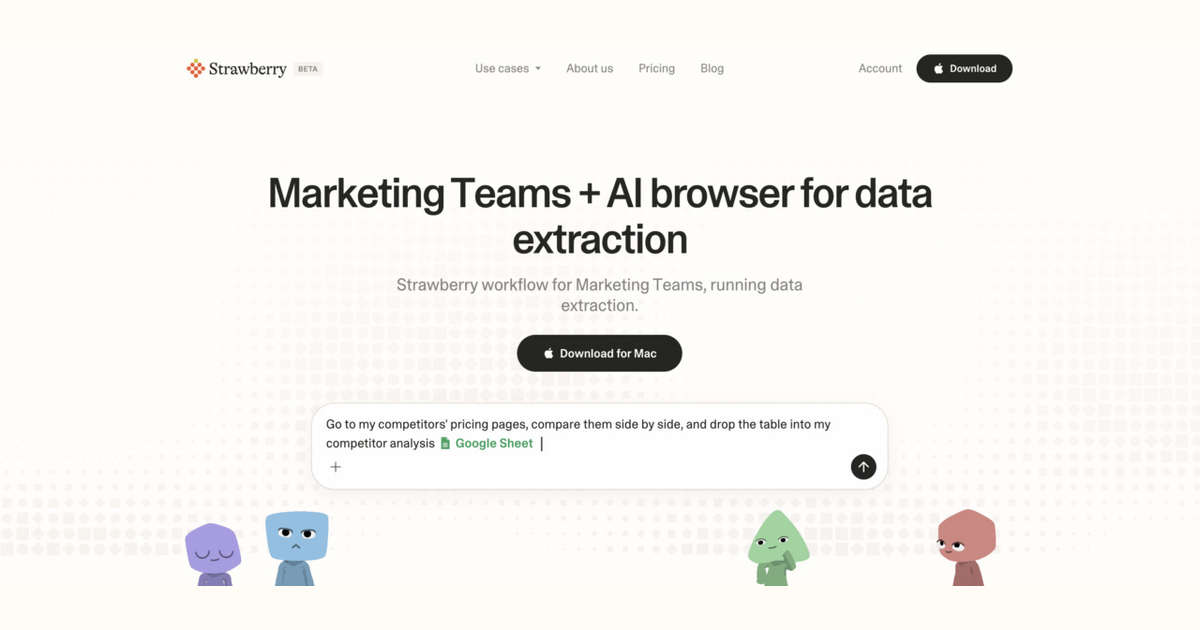
This guide is for marketing teams who run data extraction. It explains how an AI browser like Strawberry runs the workflow given the tools a marketer actually uses every day, what the output should look like, and where the workflow fits in the marketer's week.
Why this matters for marketing teams
A marketer spends time on this: drive demand and brand across paid, owned, and earned channels with a finite budget and weekly cadence. The pain that makes data extraction feel slow is real: campaign research, competitive analysis, and content production are slow even with a team. The reason an AI browser helps is that marketing teams already use multiple surfaces (Google Analytics, GSC, Meta Ads, Google Ads, HubSpot or Marketo) to do this work, and the browser is the only tool that can read across all of them and produce a finished output.
What success looks like
The goal of data extraction is to turn unstructured pages into a clean table or dataset. For a marketer, success metric is concrete: extraction accuracy above 95% on spot-checked rows, dedup rate above 95%, completeness above 90%. A finished data extraction run should look like this: a campaign brief, a content calendar, a competitor digest, or ad copy variants ready for review.
Signals data extraction needs
The workflow needs these signals: source URL pattern (one page, paginated, search results); target schema (which fields per row); completion criteria (how many rows expected); validation rules (which fields must be present). For a marketer the practical question is which signals come from the tools already in the stack (Google Analytics, GSC, Meta Ads, Google Ads, HubSpot or Marketo) versus what the browser has to fetch. Strawberry reads the in-stack tools through native integrations and uses the browser for the rest (LinkedIn, news, company websites, search). The marketer stays in one surface.
Paste-ready Strawberry prompt
I'm a marketer. Run data extraction for me using Google Analytics, GSC, Meta Ads and the browser, then save the draft.
What a finished data extraction output looks like
Concrete example, not a placeholder:
- Source: company directory at example.com/companies, 30 pages of 50 companies each
- Target schema: name, website, employee count, HQ city, sector tag
- Expected rows: ~1500 (50 x 30)
- Validation: name + website required; sector tag from a fixed list
- Output: ./companies.csv with 1485 rows after dedup, 12 rows flagged for human review
When this works, and when it does not
This workflow is right for marketing teams when the work is repeatable and crosses multiple tools. It is wrong when anything generic that does not reference real audience signals or competitor moves. In that case, the marketer should keep doing the work manually until the pattern is clear enough to automate.
Three mistakes to avoid
- No schema defined upfront, leading to inconsistent rows
- Ignoring pagination and missing 80% of the data
- Extracting from logged-in pages without confirming the cookies are valid
Caveats
Strawberry holds back on sending email, updating CRM records, or changing shared systems until a human approves the action. Treat the agent as a fast first-draft author, not an autopilot.
How marketing teams run data extraction with Strawberry
Tools
Marketing Teams typical stack: Google Analytics, GSC, Meta Ads.
Browser
Public web, LinkedIn, news, search fill the gaps the stack does not store.
Compose
Synthesise into the data extraction shape that a marketer can ship.
Human
Approve before any external action; save to system of record.
FAQ
Is this useful for a marketer who already has a workflow?
Yes - the question is which part of the workflow is the bottleneck. If it is research, data transfer, or writing the first draft, that is where Strawberry helps. The marketer keeps the judgement calls and final approvals.
What tools does the marketer need to connect?
The most common stack for marketing teams: Google Analytics, GSC, Meta Ads, Google Ads, HubSpot or Marketo. The browser handles everything else (LinkedIn, news, search) without extra setup.
What is the biggest mistake to avoid?
No schema defined upfront, leading to inconsistent rows.