How Founders Use AI Browsers for Invoice And Ops Admin
How founders run invoice and ops admin in Strawberry using their existing tools and the browser. Prompt, real output, and tradeoffs.
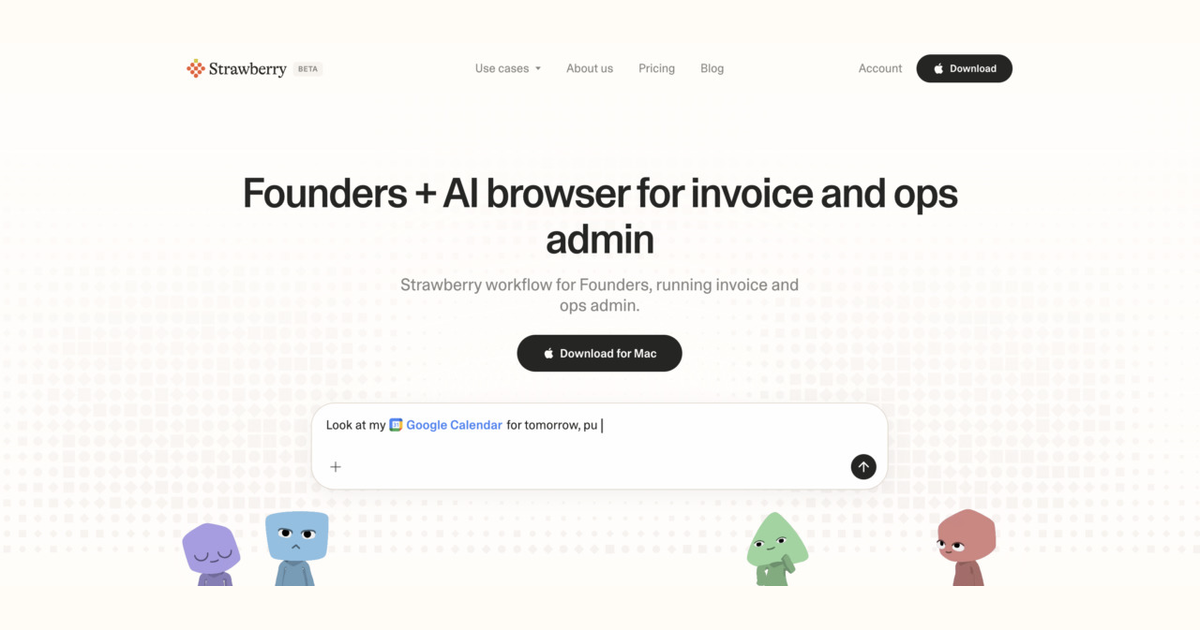
This guide is for founders who run invoice and ops admin. It explains how an AI browser like Strawberry runs the workflow given the tools a founder actually uses every day, what the output should look like, and where the workflow fits in the founder's week.
Why this matters for founders
A founder spends time on this: make every decision, ship the work, and personally do most of the operator jobs until headcount fills in. The pain that makes invoice and ops admin feel slow is real: context-switching across 10 surfaces a day with no help; the founder is the bottleneck on everything from prospecting to support. The reason an AI browser helps is that founders already use multiple surfaces (Gmail, Google Sheets, Notion, Slack, Stripe) to do this work, and the browser is the only tool that can read across all of them and produce a finished output.
What success looks like
The goal of invoice and ops admin is to process invoices, reconcile expenses, chase receivables, and keep ops paperwork unblocked. For a founder, success metric is concrete: no late payments, no missed renewals, all expenses categorised within 7 days. A finished invoice and ops admin run should look like this: a one-page brief, a clean lead list, a draft email, or a CRM update that the founder can ship in 30 seconds.
Signals invoice and ops admin needs
The workflow needs these signals: incoming invoices from email/PDF; current overdue receivables; vendor metadata (terms, payment method); expense receipts that need categorisation. For a founder the practical question is which signals come from the tools already in the stack (Gmail, Google Sheets, Notion, Slack, Stripe) versus what the browser has to fetch. Strawberry reads the in-stack tools through native integrations and uses the browser for the rest (LinkedIn, news, company websites, search). The founder stays in one surface.
Paste-ready Strawberry prompt
I'm a founder. Run invoice and ops admin for me using Gmail, Google Sheets, Notion and the browser, then save the draft.
What a finished invoice and ops admin output looks like
Concrete example, not a placeholder:
- Week of June 2 - Ops admin
- Pay: Mailgun ($249) due Jun 8, Postmark ($150) due Jun 10
- Chase: 3 invoices over 30 days - Acme ($4k), Foo ($1.2k), Bar ($800)
- Renew: Notion Plus auto-renews Jun 14 - confirm we still need it
- Cancel: Loom Pro - team moved to internal screen recording
When this works, and when it does not
This workflow is right for founders when the work is repeatable and crosses multiple tools. It is wrong when anything that requires a hand-off to a dedicated team the founder does not have yet. In that case, the founder should keep doing the work manually until the pattern is clear enough to automate.
Three mistakes to avoid
- Leaving invoices in email without filing
- Manual data entry errors when transferring PDF totals into accounting tools
- Forgetting to cancel a subscription before auto-renew kicks in
Caveats
Strawberry holds back on sending email, updating CRM records, or changing shared systems until a human approves the action. Treat the agent as a fast first-draft author, not an autopilot.
How founders run invoice and ops admin with Strawberry
Tools
Founders typical stack: Gmail, Google Sheets, Notion.
Browser
Public web, LinkedIn, news, search fill the gaps the stack does not store.
Compose
Synthesise into the invoice and ops admin shape that a founder can ship.
Human
Approve before any external action; save to system of record.
FAQ
Is this useful for a founder who already has a workflow?
Yes - the question is which part of the workflow is the bottleneck. If it is research, data transfer, or writing the first draft, that is where Strawberry helps. The founder keeps the judgement calls and final approvals.
What tools does the founder need to connect?
The most common stack for founders: Gmail, Google Sheets, Notion, Slack, Stripe. The browser handles everything else (LinkedIn, news, search) without extra setup.
What is the biggest mistake to avoid?
Leaving invoices in email without filing.