AI Browser for Consultancies: Candidate Sourcing
How consultancies run candidate sourcing in Strawberry. Surfaces, signals, real output, and tradeoffs for consultancies.
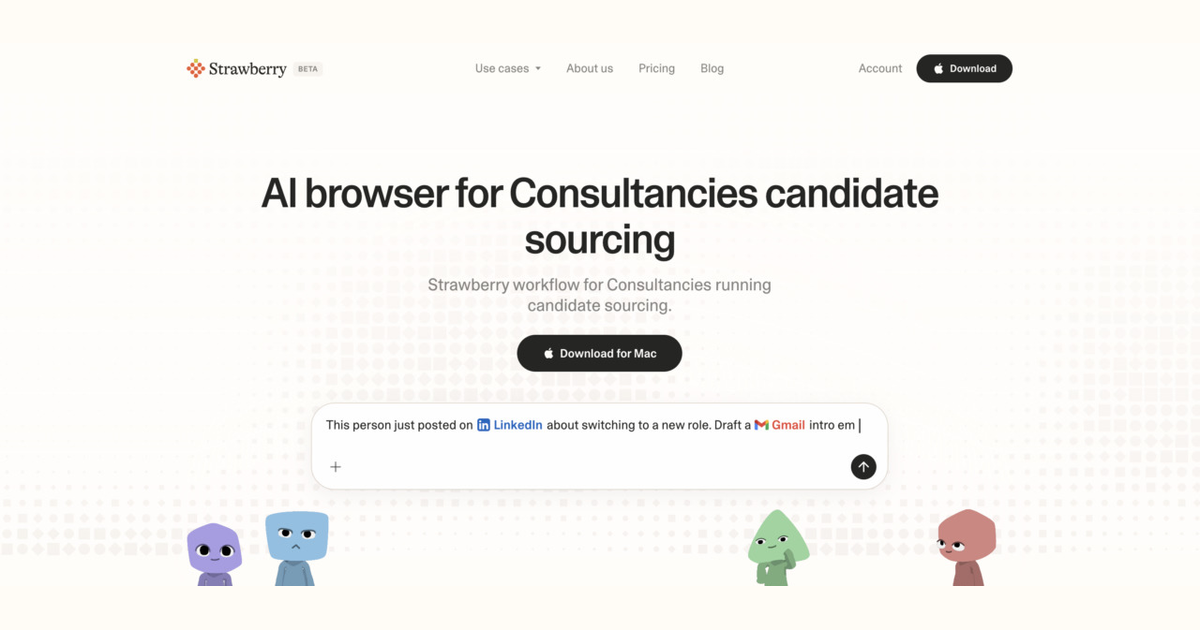
This guide is for consultancies that run candidate sourcing. It names the surfaces a consultancy typically uses, where the friction sits, and how an AI browser like Strawberry runs the workflow without forcing the team to learn a new stack.
How consultancies approach candidate sourcing
A consultancy runs this work in a specific way: deliver strategy, transformation, and ops work for client companies on a project or retainer basis. The current pain is concrete - every engagement repeats the same research, framework selection, and reporting work but for a different client. The reason an AI browser helps here is that consultancies already touch many surfaces (Google Workspace, Slack, Notion or Confluence, Looker Studio or Excel, LinkedIn), and the bottleneck is the human moving data and context between them.
What a good candidate sourcing run looks like for consultancies
The goal is to build a shortlist of 10-30 candidates who match the role and have at least one signal of openness. Success metric: 30% reply rate to first outreach, 5+ first-call conversions per 30 sourced. In an industry context that means: deliverables that look like a senior consultant wrote them, in less time, and easier to update mid-project.
Buying signals candidate sourcing should react to
The signals that should trigger candidate sourcing for a consultancy include: client growth-stage shift, regulation change in client industry, leadership team change. Strawberry watches the public web (LinkedIn, news, job boards, the company's own site) for these and pairs them with whatever lives in the team's existing tools.
How Strawberry runs candidate sourcing for consultancies
- Connect the existing stack (Gmail, CRM, sheets, Slack, etc) so Strawberry can read in-place.
- Define one sentence of what 'done' looks like for candidate sourcing in your specific consultancy setup.
- Ask Strawberry to read the relevant context, then research the gaps via the browser.
- Strawberry produces the candidate sourcing output in the shape your team can use immediately.
- A human reviews before any external action (send, update, post) goes out.
- The approved output gets logged back into your system of record so the next person sees it.
A real candidate sourcing output for consultancies
This is an example of the shape, not your literal team's output - swap the specifics for your context:
- Role: Founding Engineer (Stockholm or remote EU)
- Candidate: Marek Novak - Senior Engineer @ Klarna, 4 years
- Fit: 5/5 (worked on payment systems, contributed to Rust open source, recent talk on type-safe APIs)
- Opening line: noticed his RustConf talk on type-safe API contracts and our backend lead's tweet about Marek's library
- Contact: LinkedIn DM + GitHub email
When this is right for consultancies, and when it is not
This workflow is right when consultancies have multiple recurring instances of candidate sourcing to run each week, and when the existing stack is mostly online and connectable. It is the wrong fit when candidate sourcing happens once a quarter or requires deep domain expertise the agent does not have. In that case, the consultancy should run it manually and capture the playbook for the next iteration.
Three mistakes to avoid
- Spray-and-pray DMs that mention nothing specific
- Missing the obvious signals (someone just posted 'thinking about a change')
- No quality bar - putting 200 names on the list to look productive
Caveats
Strawberry holds back on sending email, updating CRM records, or changing shared systems until a human approves the action. Treat the agent as a fast first-draft author, not an autopilot.
Consultancies + Strawberry running candidate sourcing
Stack
Typical consultancy surfaces: Google Workspace, Slack, Notion or Confluence.
Signals
Watch: client growth-stage shift, regulation change in client industry.
Compose
Synthesise into the candidate sourcing shape.
Human
Approve before external actions; log to system of record.
FAQ
Does this work for small consultancies?
Yes - the workflow scales down to a 2-person consultancy. The smaller the team, the more leverage an AI browser provides because the same person owns multiple surfaces.
Which tools do consultancies need to connect?
The most common stack: Google Workspace, Slack, Notion or Confluence, Looker Studio or Excel, LinkedIn. The browser handles everything else without setup.
What is the biggest mistake to avoid?
Spray-and-pray DMs that mention nothing specific.